Interactive 3D couldn't start here
Your browser couldn't start the WebGL 3D engine on this device. Here's a rotating view of the scan:
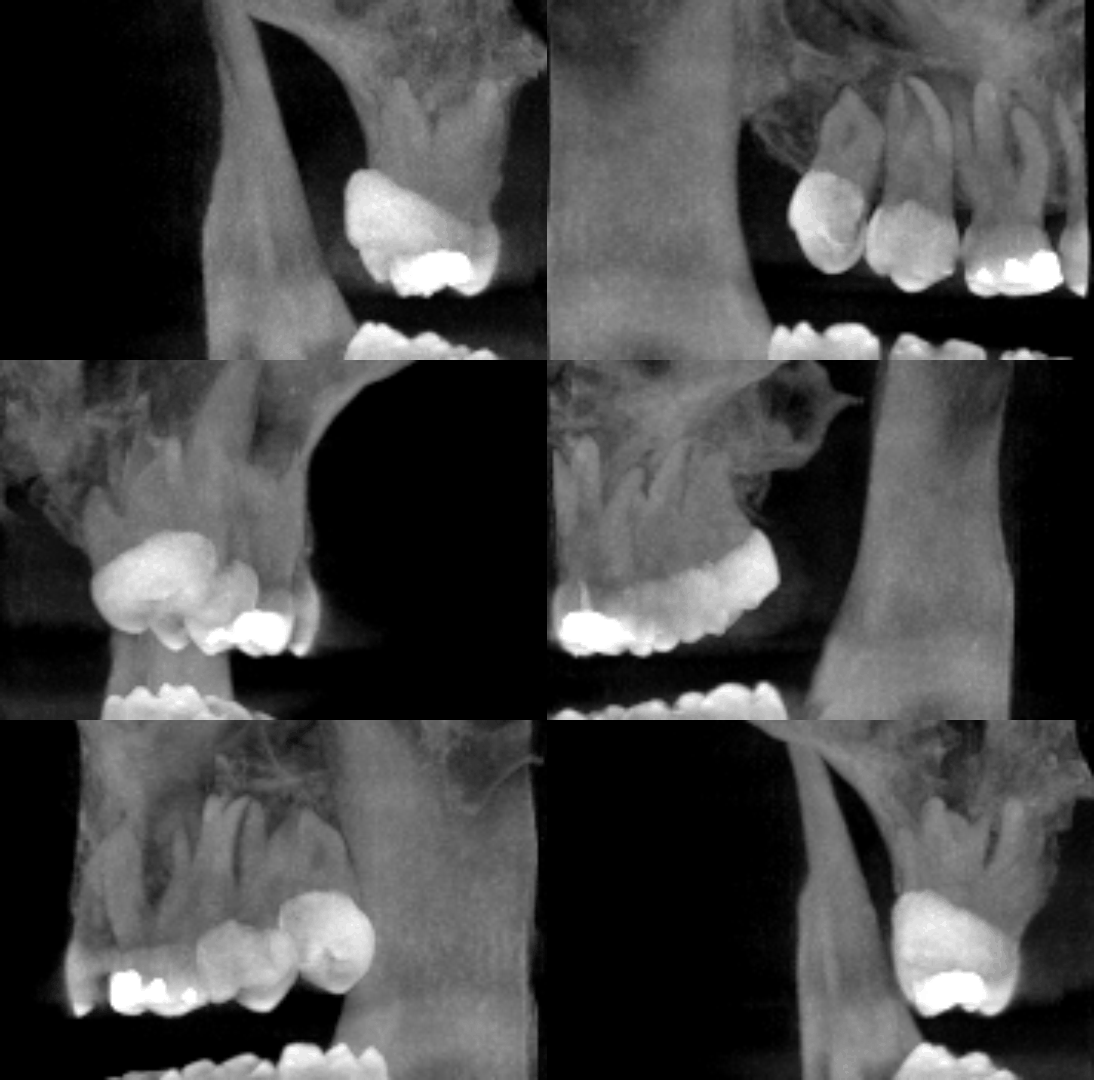
Or scroll through the scan yourself, slice by slice — this works with no 3D/GPU:
For the full rotate/zoom version, try Chrome or Edge, or update your graphics driver.